Happiworks Blog
Squarespace makes design easy; Webflow makes it powerful. For B2B startups, that shift from 'simple' to 'scalable' is the difference between a digital brochure and a growth engine. Discover why migrating to Webflow is the smartest technical upgrade your brand can make this year.
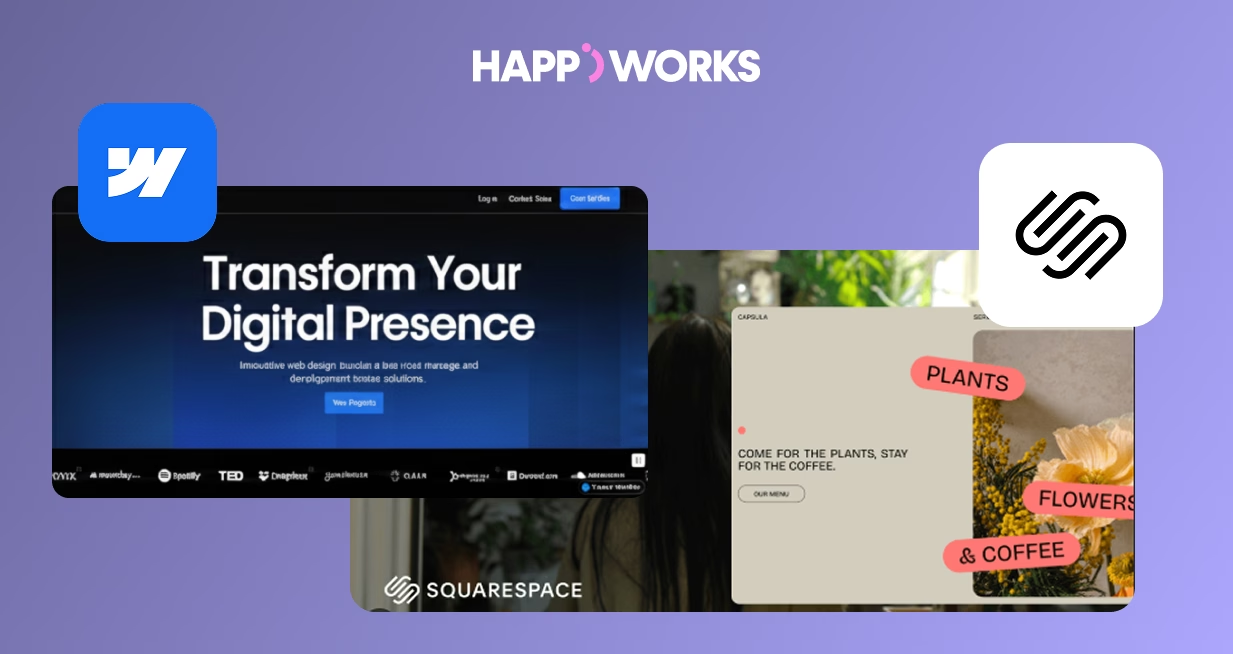
Squarespace is an excellent platform for quick launches and visually appealing templates, but as B2B startups grow, it often becomes limiting:
- Template Constraints: Squarespace templates can restrict brand identity and creative flexibility.
- Performance Limitations: Loading times may increase as you add pages, media, or integrations, which can negatively affect SEO and user experience.
- Advanced SEO Needs: Squarespace provides basic SEO tools, but lacks full control over structured data, meta tags, and redirects, which are essential for B2B websites targeting competitive keywords.
This is why many startups are switching to Webflow, which allows customized design, fast performance, and advanced SEO control, making it a better fit for growing businesses.
1. Full Creative Control: Webflow allows you to customize layouts, interactions, and animations without being limited by templates, ensuring your site aligns perfectly with your brand.
2. Improved Performance: Webflow generates clean HTML, CSS, and JavaScript, resulting in faster page loads and better SEO performance compared to template-heavy Squarespace sites.
3. Scalable CMS: Webflow’s CMS makes it easy to manage blogs, landing pages, case studies, or resources, reducing the need for constant developer support.
4. Advanced SEO Capabilities. With Webflow, you can fully control:
Meta titles and descriptions
Alt tags and image optimization
301 redirects for URLs
Structured data and sitemaps
These tools help your B2B site rank higher in search results and drive organic traffic.
5. Lower Maintenance: Unlike Squarespace, Webflow eliminates the need for constant plugin updates or template workarounds, saving your team time and frustration.
Step 1: Audit Your Current Site:
- Document all pages, blogs, and media
- Record current SEO metadata to replicate in Webflow
Step 2: Plan Your Redirects:
- Set up 301 redirects for all existing URLs to maintain SEO rankings
- Create a sitemap in Webflow before launch
Step 3: Rebuild Your Site in Webflow:
- Use Webflow Designer to create fully responsive pages
- Implement clean headings, semantic HTML, and SEO best practices
Step 4: Optimize SEO:
- Add meta titles, meta descriptions, and alt tags
- Submit XML sitemap to Google Search Console
Step 5: Launch and Test:
- Check page speed, mobile responsiveness, and navigation
- Ensure all redirects work correctly
One B2B client struggled with Squarespace templates limiting brand identity and SEO. After migrating to Webflow:
Page speed increased by 35%
Organic traffic grew by 28% within 3 months
CMS management became much easier, allowing content updates without developer help
This demonstrates how a well-executed migration can boost performance, SEO, and user engagement.
Message Us

Feature
Squarespace
Webflow
SEO Control
Basic / Rigid
Full Schema / 301 Control
Load Speed
Average (Shared JS)
Ultra-Fast (Clean Code)
Design Freedom
Template-Locked
100% Custom Pixel-Perfect
CMS Scalability
Limited to basic blogging
Complex dynamic Databases
Marketing Stack
Basic built-ins
Seamless Hubspot/Zapier Integration
Technical SEO
Automated / No "Code" access
Full control over Meta & Header tags
Maintenance
Plugin/App dependencies
Native features, zero "plugin rot"
Security
General consumer-grade
Enterprise-grade (AWS Infrastructure)
Use a thorough content audit and plan for media and blog transfers.
Implement 301 redirects and replicate metadata accurately.
Take advantage of Webflow’s flexibility but plan for a short learning curve for your team.
Not all migration agencies are equal. The difference between a clean migration and a messy one is SEO continuity - every URL redirected, every metadata field preserved, every page rebuilt to load faster than it did before.
Happiworks has handled Squarespace to Webflow migrations for B2B startups that saw page speed increase by 35% and organic traffic grow 28% within 3 months.
We handle the full process so your rankings survive the move and your team is trained to manage the new site independently.
Have questions? We're here to help. Find the answers you need or reach out to start a conversation.
Small sites typically take 1–2 weeks. Medium to large B2B sites with custom functionality, CMS content, and multiple integrations run 4–6 weeks. We provide a detailed timeline during the initial consultation.
The best agency is one that treats migration as a full re-engineering project — not just a copy-paste. Look for an agency that handles SEO redirects, metadata preservation, performance optimization, and post-launch team training. Happiworks specializes in exactly this for B2B startups.
Not when done correctly. We map all existing URLs and implement 301 redirects before launch so Google sees a clean transition. Most clients maintain or improve their rankings post-migration because Webflow's performance is significantly better than Squarespace out of the box.
For most B2B startups, yes. Squarespace limits your design freedom, SEO control, and CMS flexibility. Webflow removes all three of those ceilings. The upfront migration cost typically pays for itself within 6 months through lower maintenance costs, faster page speeds that reduce bounce rate, and a marketing team that can execute campaigns without waiting on developers.
Yes. Blog posts, team pages, product listings, and other CMS collections can all be migrated to Webflow's native CMS. We export your Squarespace content, restructure it to fit Webflow's CMS architecture, and rebuild the templates so your team can manage everything independently after launch.
When handled correctly, your rankings should stay the same or improve. We audit every existing URL, set up 301 redirects before DNS transfer, and rebuild your metadata structure in Webflow. Most clients see rankings stabilize within 2–4 weeks and improve over 90 days as Webflow's faster load times positively impact Core Web Vitals scores.
No — that's one of the primary reasons B2B startups migrate to Webflow. The Webflow Editor gives your marketing team full control over content, blog posts, landing pages, and CMS collections without touching code. We provide a custom training session post-launch so your team is fully independent from day one.
Join 50+ B2B startups who trust us for their digital growth. Let's build something better together.
Work With Us
Take a moment to explore our blogs and stay updated on the latest design trends, SEO strategies, and development insights. Whether you're a creative professional or a tech enthusiast, there's something for everyone!
We can’t wait to bring your vision to life! Whether you’re looking for a great website, a standout brand identity, or a solid digital marketing plan, our team is here to help.
Work With Us