

UI/UX DesignDevelopment
Brydon Homes
Custom Home Builder Webflow Redesign: How Happiworks Put Brydon Homes on the Map

 Top Rated
Move off Wix without losing your URLs, content or search visibility. We map every URL, rebuild your site natively in Webflow, set up 301 redirects and monitor Google Search Console after launch.
A Wix to Webflow migration moves your site from Wix to Webflow and rebuilds it natively, without carrying over Wix's generated code. Your design, content and URLs move over, and the site runs on Webflow hosting with more control over layout, structure and SEO fields. Happiworks handles the full move: URL audit, content migration, rebuild, 301 redirects, QA and launch, preserving your existing URLs, content and SEO signals wherever possible.
Last updated
Trusted by businesses that outgrew "good enough"






Wix is a good place to start. These are the limits growing sites tend to hit, including paying for apps to get basic features.
| Where Wix can hold a site back | What Webflow changes |
|---|---|
| Design control | A visual Designer with control over layout, spacing, classes and responsive behavior, instead of template and editor limits. |
| CMS structure | The Webflow CMS lets you define collections and fields to fit your content, rather than working within a fixed blog structure. |
| Interactions | Scroll, hover and page interactions built visually in the Designer, with fine control over timing and triggers. |
| SEO and structure control | Native fields for titles, meta descriptions, Open Graph, sitemap and redirects, plus custom code for structured data. |
Honest take: if Wix already does what you need, none of this is a reason to move. The section on whether Webflow is right for your site covers when to stay.
Read more: Wix to Webflow: Why Businesses Switch and How to Migrate
It shouldn't, if the migration is handled correctly. The risks come from what changes during the move, not from the platform. This is how we deal with each one.
| What can hurt rankings | What we do about it |
|---|---|
| Changed or broken URLs | We inventory every URL from a crawl, Search Console and analytics. Wix URL patterns such as /post/ for blog posts often change, so we map them and set up 301 redirects. Slugs that can stay the same do. |
| Lost titles and meta descriptions | Copied from your current Wix SEO settings, page by page, and added to Webflow SEO fields. |
| Removed or thinned content | Page-by-page content and heading checks against your live site before launch. |
| Broken internal links | Link checks on staging, with links updated to the final URLs. |
| Missing images and alt text | Media migrated with alt text, then spot-checked on key pages. |
| Pages search engines cannot reach | XML sitemap set up, canonical tags checked, and staging noindex settings removed at launch. |
| Problems nobody catches after launch | We monitor Google Search Console for crawl errors, unexpected 404s and indexing drops. |
Nobody can promise rankings, and some movement in the weeks after launch is normal on any platform change. What we control is your URLs, metadata, content and monitoring, and we do those carefully.
Moving a Wix site to Webflow is a rebuild, not a copy-paste. Every URL gets a destination before development starts. Here is the process Happiworks follows:
Audit. We crawl your Wix site and list every URL, page, blog post, product, form, app and integration, plus titles, meta descriptions and image alt text. You get a clear scope and a redirect plan before any build starts.
Map. Every existing URL gets a destination before development begins. Slugs that can stay the same do, and anything that changes gets a 301 redirect.
Rebuild. We recreate your design natively in Webflow and move your content into the CMS. Wix does not offer a full site export, so we use exports where they exist and migrate by hand where they do not. Titles, meta descriptions, Open Graph tags and alt text move with it.
QA. On a staging site we test redirects, metadata, forms, internal links, responsive layouts and key pages against your live Wix site before anything goes public.
Launch and monitor. We connect your domain and switch DNS, keep your Wix plan active until everything is verified, submit your sitemap, monitor Google Search Console for crawl and indexing issues, and train your team on the Webflow Editor.
The result is a site your team can edit and grow without template limits, rebuilt on the URLs your visitors and search engines already know.
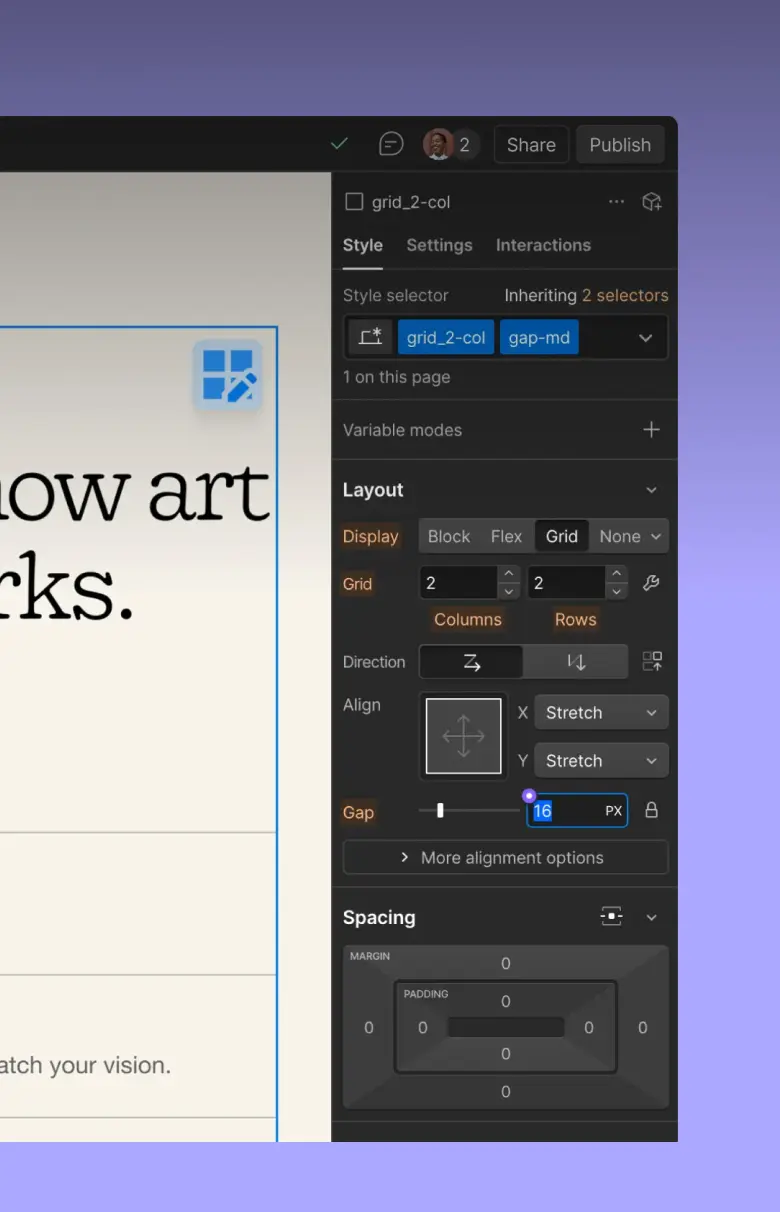
Nothing gets left behind by accident. This is where each part of your Wix site ends up in Webflow.
| Wix element | What happens in Webflow |
|---|---|
| Pages | Content and layouts recreated as native Webflow pages, keeping URLs wherever possible. |
| Wix Blog | Posts moved into a Webflow CMS collection with images, categories, dates and metadata. |
| Media library | Images and files migrated, with alt text preserved and images optimized. |
| Wix SEO settings | Titles, meta descriptions and Open Graph settings added to Webflow SEO fields. |
| Wix Editor / Studio design | Recreated natively in Webflow. Wix-generated markup is not carried over. |
| Forms | Rebuilt as Webflow forms and connected to your CRM or email tool. |
| Wix apps and Velo code | Replaced by native Webflow features or clean integrations, case by case. |
| Redirects and sitemap | Redirects set up as 301s in Webflow, and the sitemap generated and submitted. |
| Wix Stores, Bookings and Members | Decided case by case: Webflow Ecommerce, a dedicated platform, or keep it where it is. |
What stays: URLs where possible, content, SEO metadata and assets. What changes: templates, CMS structure, forms and integrations.
Moving from another platform? WordPress to Webflow migration · Squarespace to Webflow migration
Every project follows the same system, so there are fewer surprises between kickoff and launch.
Every page, post, app and form on your Wix site is listed and planned before any build begins.
Layouts are recreated in Webflow rather than copied, so Wix-generated markup stays behind.
Search Console stays under watch after launch, so crawl errors, stray 404s and indexing drops get caught early.
5
Stages from audit to monitored launch
301
Redirects for every URL that changes
1–2 wks
Typical migration timeline
300+
Projects delivered
Maybe not. If your Wix site does what you need and your team is happy with it, there is no reason to move just because Webflow exists.
| Stay on Wix when… | Consider Webflow when… | |
|---|---|---|
| Site needs | The site is simple and rarely changes. | Your site is growing, with more pages, more content or more campaigns. |
| Design | A template layout does what you need. | You keep running into template limits, or want a custom design. |
| Costs | Your plan and add-ons are reasonably priced for what you use. | You are paying for apps to get basic features. |
| SEO and structure | The SEO settings you have are enough. | You need more control over structure, metadata and clean URLs. |
| Team control | Your team is comfortable in the Wix editor. | Marketers want to ship pages and content without developer help. |
| Special features | You rely on Wix Bookings, Members or a large store. | Your site is mostly marketing and content, and native features cover your needs. |
Not sure which column you are in? We will tell you on the first call if we don't think migration makes sense.
Compare in depth: Webflow vs WordPress for B2B websites: 2026 comparison
Before you commit to anything, you get a concrete picture of what a migration of your site involves.
| Deliverable | What you receive |
|---|---|
| 01 URL inventory | Every indexable URL on your Wix site, including blog and store pages, identified and classified. |
| 02 Redirect map | A list of URLs that can stay the same and URLs that need 301 redirects. |
| 03 SEO risk report | Potential issues with metadata, content, internal links, images and indexing. |
| 04 Migration scope | The CMS content, apps, integrations, forms and custom functionality that need rebuilding. |
| 05 Estimated timeline | A realistic migration range based on your actual site. |
FAQ
Everything you need to know about moving a Wix site to Webflow with Happiworks.
Tell us about your Wix site and what you want to change, and we will send you a free migration audit.